
What a 24/7 NOC Actually Does for Field Infrastructure: Alarms, Dispatch and Escalation
A 24/7 NOC for field infrastructure watches power, cooling, access and generators at remote sites and stores. It receives equipment alarms, client tickets and calls, groups related alarms into one incident, sets a priority from impact and urgency, tries a remote fix, dispatches the nearest qualified technician, escalates on timers, keeps the client informed and closes the incident only after verification.
In this article
- What is the difference between a network NOC and an infrastructure NOC?
- What flows into a field infrastructure NOC?
- What is the alarm lifecycle in a 24/7 NOC?
- How does a NOC set alarm priority?
- What is a runbook and why does every alarm type need one?
- How does dispatch work?
- How do escalation timers work?
- What does the NOC tell the client, and when?
- Why do shift handovers matter?
- Which KPIs measure a field infrastructure NOC?
- How do you reduce alarm noise?
- Should you run your own NOC or outsource it?
- Frequently asked questions
- Sources
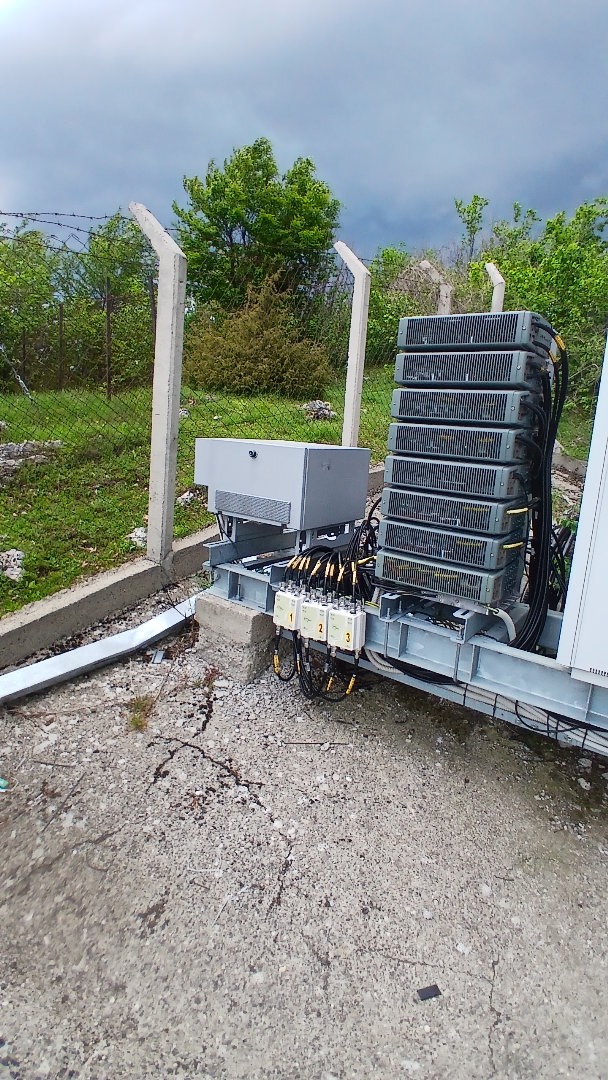
Most people picture a NOC as a wall of screens showing network traffic. For a company that keeps telecom sites, stores and offices running, the screens show mains failures, batteries discharging, air conditioners stopping, doors opening at night and generators that did not start.
The NOC is where those signals turn into action: decide quickly what matters, get the right person to the right place, and make sure nothing is forgotten between the alarm and the fix. This is how it works in practice, based on running a 24/7 dispatch centre for field crews.
What is the difference between a network NOC and an infrastructure NOC?
A classic network operations centre monitors links, routers, traffic and services. An infrastructure or facility NOC monitors the physical layer those services depend on. Many operators have both.
| Network NOC | Infrastructure NOC | |
|---|---|---|
| What it watches | Links, routers, radio and transmission equipment, traffic | Mains, rectifiers, batteries, generators, cooling, doors, fire and intrusion |
| Main fix | Reroute, restart, reconfigure remotely | Often a person on site with tools, fuel or parts |
| Key question | Is the service up? | Will the site stay up, and for how long? |
| Time pressure | Usually immediate | Often a countdown: battery autonomy, temperature rise, fuel level |
The last row matters most. When mains fails, the site runs on batteries, and the NOC has the length of that autonomy to get mains back or a generator running. Infrastructure NOC work is mostly about managing such countdowns.
What flows into a field infrastructure NOC?
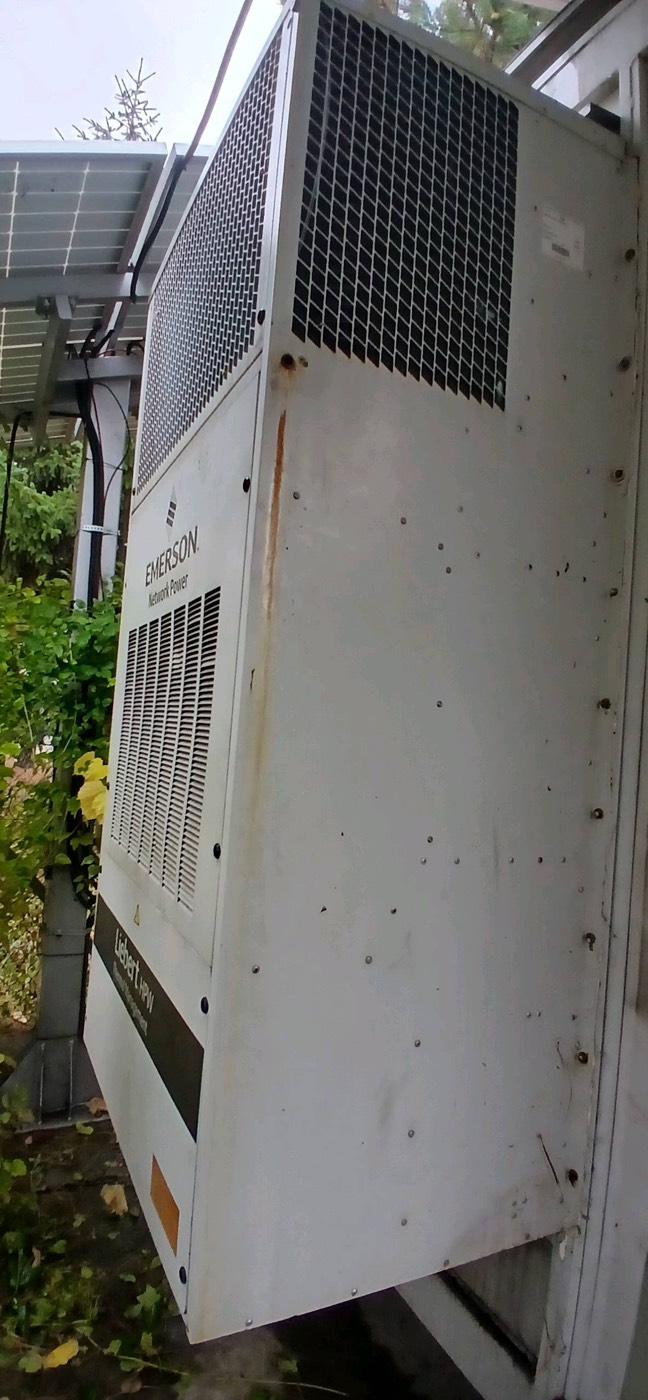
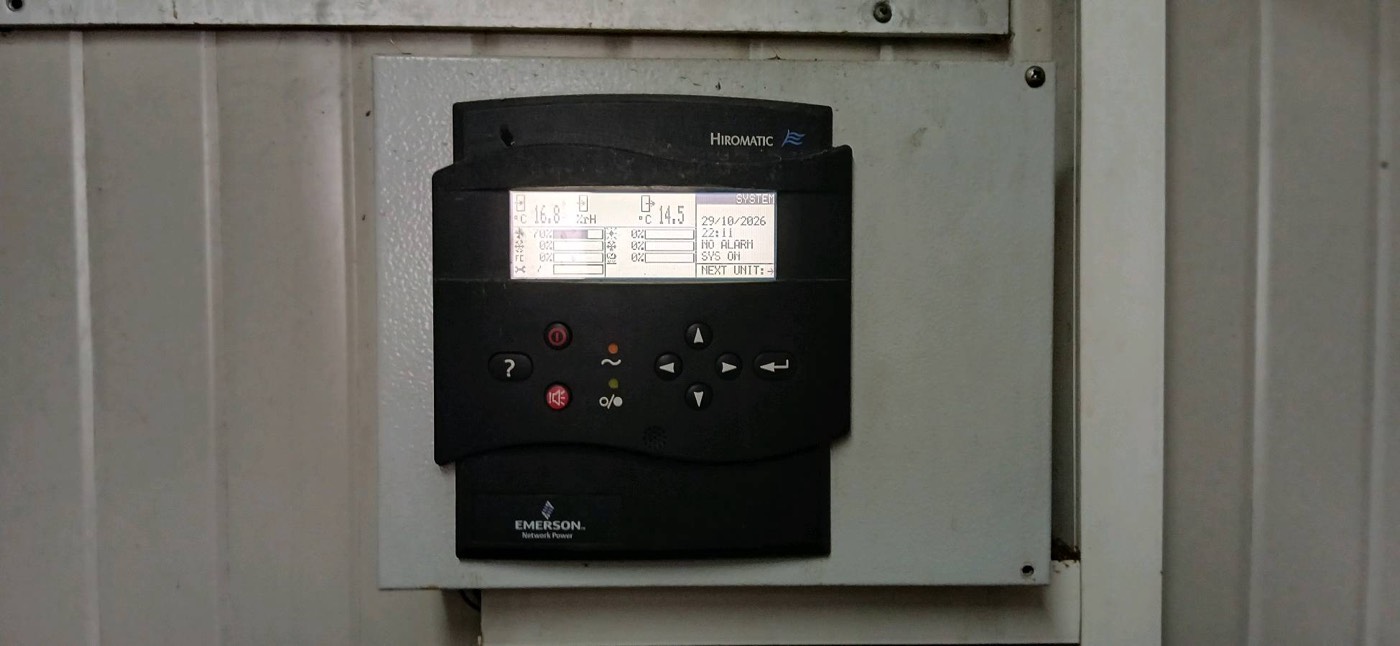
- Equipment alarms. Rectifiers, generator controllers, air conditioners, energy meters and site controllers report through SNMP traps, Modbus (RTU or TCP) polled by a gateway, or dry contacts (volt-free relay outputs) wired into a remote terminal unit.
- Client tickets. A store reports a warm freezer section; an operator sees a site down on its network.
- Phone calls. Security companies, landlords or neighbours reporting an open gate or smoke.
- Technician updates. Arrival, findings, photos, readings, parts needed, work finished.
- Planned work. Preventive visits, generator tests and announced mains shutdowns, which explain alarms that would otherwise look like faults.
All of it should land in one queue with one incident number per problem. When alarms, tickets and technician updates live in different tools, the NOC spends its time reconciling sources instead of fixing sites.
What is the alarm lifecycle in a 24/7 NOC?
ITIL incident management describes the same basic path for any incident: log it, categorise it, prioritise it, diagnose, resolve, close. A field infrastructure NOC adds two steps that IT service desks rarely need: physical dispatch and on-site verification.
- Receive the alarm or ticket with a timestamp, site and source.
- Deduplicate and correlate: merge repeats and group alarms with one cause into one incident.
- Classify priority from impact and urgency; priority sets the timers.
- Acknowledge: a named operator takes ownership.
- Try remote resolution: check related readings, reset a unit, start a generator, call the site contact or the utility.
- Dispatch the right technician with the right parts.
- Track travel, arrival and work against the timers.
- Escalate when a timer runs out or the fix is beyond the technician.
- Verify that the alarm has cleared and readings are normal.
- Close with the cause and action recorded, and link repeats to an ITIL problem record.
How does a NOC set alarm priority?
Priority comes from two questions: how much is affected (impact) and how fast it will get worse (urgency). This is the ITIL approach, and it suits field infrastructure because urgency is often physical: battery minutes left, degrees per hour, litres of fuel.
| Situation | Impact | Urgency | Priority |
|---|---|---|---|
| Mains failed, site running on batteries, no generator | High: site will go down | High: battery autonomy is running out | Critical |
| One air conditioner failed, standby unit running, temperature normal | Medium: redundancy lost | Medium: no backup if the standby fails | Medium |
| Both air conditioners failed, temperature rising | High | High | Critical |
| Door open during working hours, maintenance visit scheduled | Low | Low | Low or informational |
| Door open out of hours, no visit planned | Depends on the site | Depends on what else alarms | High if combined with intrusion or equipment alarms |
The door example shows why priority cannot be a fixed property of the alarm type: the same signal is noise during a planned visit and a possible break-in at night. A good rule looks at the alarm together with planned work and the other alarms on the same site.
What is a runbook and why does every alarm type need one?
A runbook is the short, written procedure for one alarm type: what to check remotely, who to call, what can be reset, when to dispatch and what to tell the client. It turns the experience of the best operator into the standard for every shift. A runbook for a mains failure on a battery site might cover:
- Check whether nearby sites lost mains at the same time. If so, it is probably the utility.
- Read battery voltage and load current, and estimate the remaining autonomy from the site record.
- If there is a generator, confirm it started and is carrying the load. If not, try a remote start where the controller allows it.
- If remaining autonomy is shorter than travel time, dispatch a mobile generator now, not when the voltage gets low.
How does dispatch work?
Dispatch is not "send whoever is free". The right technician is the nearest one who is:
- Qualified for the work: electrical, refrigerant handling under the F-gas Regulation (EU) 2024/573, generator, climbing.
- Equipped with the likely parts: a fuse set, a contactor, a filter, a battery block, fuel.
- Able to get in: keys or codes, landlord or security notice, and permission for out-of-hours access.
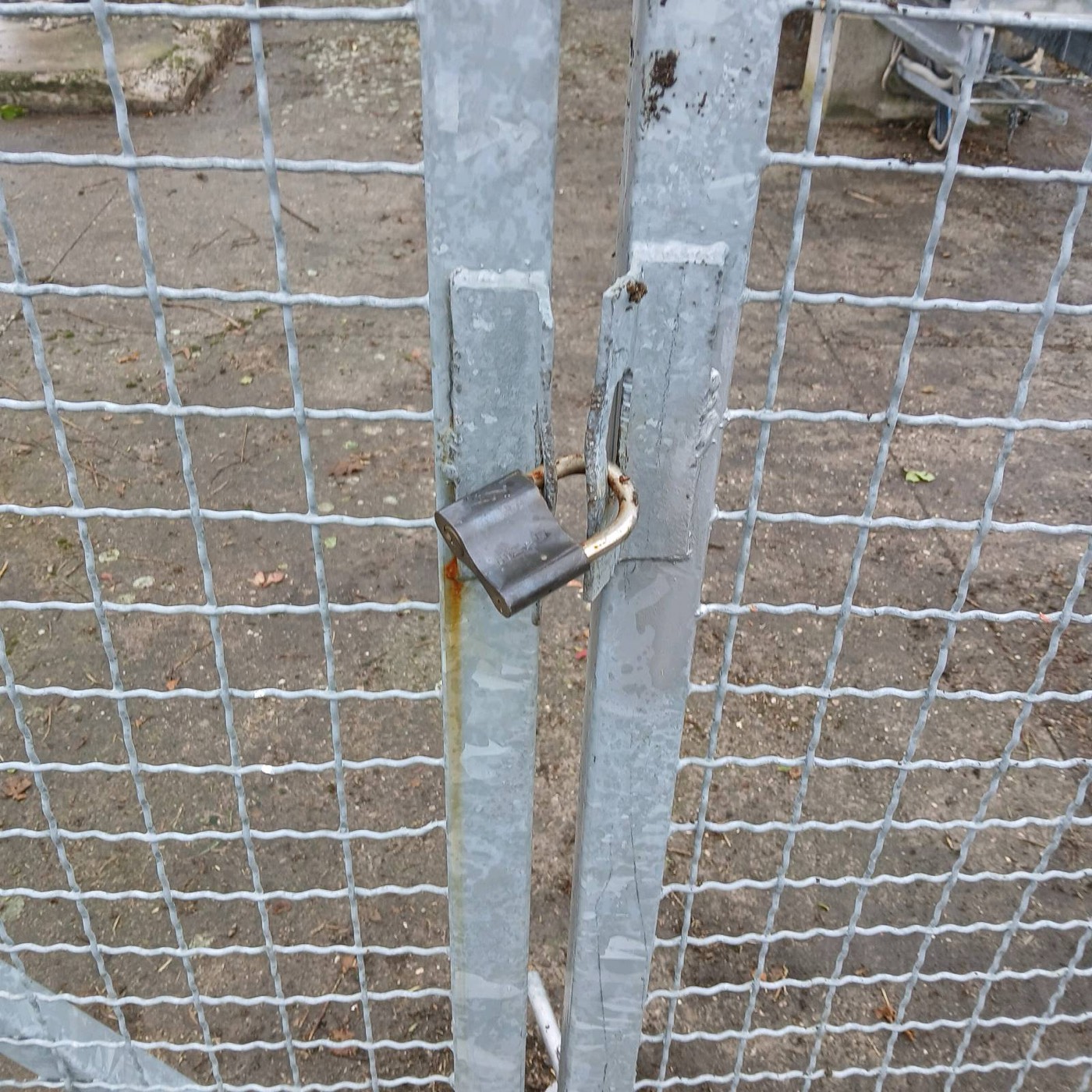
Access fails more dispatches than distance. A technician who drives two hours to a padlocked gate, like the one at the top of this article, without the right key has used the battery autonomy for nothing. The NOC should know before dispatch how each site is opened.
How do escalation timers work?
Each priority level gets timers for the key steps: time to acknowledge, time to dispatch, time to arrive and time to restore. The values come from the client contract. When a timer runs out, the incident moves up automatically, so no one has to remember to escalate.
| Trigger | Escalates to | Purpose |
|---|---|---|
| Not acknowledged within the agreed time | Shift lead | No alarm sits unowned |
| No technician dispatched within the agreed time | Shift lead, then field manager | Find another technician or a subcontractor |
| Technician not on site within the agreed time | Field manager | Re-plan, inform the client early |
| Not restored within the agreed time | Field manager, then client's duty manager | Decide on temporary measures: mobile generator, portable cooling |
| Same alarm repeating after closure | Engineering or maintenance planning | Find the root cause, not another reset |
What does the NOC tell the client, and when?
- At acknowledgement and dispatch: what is affected, who is going, the expected arrival and the time of the next update.
- At every agreed interval while a critical incident is open, even if nothing has changed. "No change, technician on the way" is an update.
- At restoration: what was wrong, what was done, and whether a follow-up visit is needed.
- In the periodic report: incidents, timers met and missed, and repeat alarms.
Why do shift handovers matter?
Incidents do not respect shifts. A handover written in the incident system covers open incidents and timers, technicians on the road, planned work, repeating sites and anything promised to a client.
Which KPIs measure a field infrastructure NOC?
| KPI | What it measures | Why it matters |
|---|---|---|
| Time to acknowledge | From alarm to a named owner | Shows whether alarms are seen at all, especially at night |
| Time to dispatch | From alarm to a technician assigned and moving | Exposes slow decisions and missing technicians |
| Time to restore | From alarm to the site back to normal | The number the client feels most |
| SLA compliance | Share of incidents meeting the contract timers | The contractual view, by priority and by region |
| Repeat alarms | Same alarm on the same site after closure | Points to root causes and weak fixes |
Targets come from the contract and the site type, so there is no universal good value. Measure them from timestamps the system records, not from times typed in afterwards.
How do you reduce alarm noise?
When operators see a flood of alarms every shift, the critical one looks like all the others. Three techniques do most of the work:
- Filter flapping. An alarm that sets and clears many times in a short period is counted once and flagged as unstable, instead of raising a new incident each time.
- Group cascades. A mains failure triggers a chain: mains alarm, then generator start or battery discharge, then low voltage, then high temperature if cooling stops. All of it is one incident with one root cause.
- Suppress during planned work. Alarms from a site under a preventive visit or a planned mains shutdown are expected and should not page anyone.
Noise reduction must never hide history: individual alarms stay in the log, and only the incident view is simplified.
Should you run your own NOC or outsource it?
An in-house NOC gives full control of procedures and deep site knowledge, but needs staff and tools for every shift, every day. An outsourced NOC shares that cost across clients and scales faster, but depends on good site records and clear runbooks. A 24/7 rota must cover nights, weekends, holidays and sick leave, which is why smaller estates often outsource. The deciding factor is usually the connection to the field: a NOC that cannot dispatch, or does not see what technicians find on site, is only an alarm forwarding service. Either way, a single platform holding alarms, tickets, runbooks and field reports keeps the whole lifecycle in one place. For the visits themselves, see the telecom site preventive maintenance checklist and cell site backup power maintenance.
Frequently asked questions
What does a NOC do for field infrastructure?
It monitors power, cooling, access and generators at remote sites, stores and offices around the clock: it receives alarms and tickets, sets priority, tries remote fixes, dispatches technicians, escalates on timers and closes incidents only after verification.
What is the difference between a network NOC and a facility NOC?
A network NOC watches links, routers and traffic and usually fixes problems remotely. A facility NOC watches mains, batteries, generators, cooling and doors, and most fixes need a technician on site, often against a countdown such as battery autonomy.
How are alarms prioritised in a NOC?
Most NOCs use the ITIL approach: priority is set from impact and urgency. A site on batteries with no generator is critical, a single failed air conditioner with the standby unit running is medium, and an open door depends on time of day, planned work and other alarms.
What KPIs should a NOC track?
The core KPIs are time to acknowledge, time to dispatch, time to restore, SLA compliance by priority and the number of repeat alarms. Targets come from the client contract and site type, and they should be measured from system timestamps.
How do you reduce alarm fatigue in a NOC?
Filter flapping alarms, group alarms with one cause (such as a mains failure cascade) into a single incident, and suppress alarms from sites under planned work. Keep every individual alarm in the log so history is never lost.
Sources
- ITIL 4, Incident Management practice: incident logging, categorisation, prioritisation by impact and urgency, escalation and closure.
- Regulation (EU) 2024/573 on fluorinated greenhouse gases (F-gas Regulation), on certification of personnel working on refrigeration and air conditioning equipment.
- Rectifier, generator controller and precision air conditioner manufacturers' documentation on alarm outputs, SNMP and Modbus interfaces.
- Domar field procedures for 24/7 monitoring, dispatch and escalation.
- Related reading: remote generator monitoring and power monitoring for critical sites.

Every site, every asset and every visit in one place
AllSiteCare brings alarms from site equipment, preventive maintenance plans and live field reports together, so you see what is happening at every location and what needs a visit.